Why a checklist beats a strategy on day one
New websites get the worst kind of SEO advice: long, abstract, full of acronyms, and dependent on traffic you don't yet have. The truth is that most of the early SEO wins on a Canadian website are mechanical. Get the mechanics right, then earn the strategy with real data later. The checklist below is the one we use ourselves when we ship a new site.
Technical foundations (do these first)
1. HTTPS, canonical domain and clean URLs
Pick one canonical hostname, with or without www, and 301-redirect the other. Force HTTPS. Use lowercase, hyphen-separated, descriptive paths. Avoid query strings for navigable pages.
2. Robots.txt and XML sitemap
Your robots.txt should allow crawling of public pages and point to your sitemap. Your sitemap should list every page you actually want indexed, with lastmod dates that are accurate.
3. Title tags and meta descriptions
Every page needs a unique title under about 60 characters and a meta description under about 155 characters. Write the title to be clicked on, not stuffed with keywords.
4. Heading hierarchy
One H1 per page that matches user intent. H2s for major sections, H3s for sub-sections. Don't skip levels, accessibility tools and search crawlers both care.
5. Structured data
At minimum: Organization on the home page, BreadcrumbList on inner pages, and the relevant schema for your page type (Service, Article, Product, LocalBusiness). Validate with Google's Rich Results Test.
Local and Canadian specifics
6. Google Business Profile
If you serve customers in a specific Canadian region, claim your Google Business Profile, verify it, and keep your name, address and phone number consistent across the web.
7. Hreflang for en-CA
If you operate in Canada, declare en-CA with hreflang. If you also have a US presence, declare en-US and an x-default.
8. Bing and Yandex
Submit your sitemap to Bing Webmaster Tools as well. A non-trivial share of Canadian search traffic still comes from Bing, especially on Windows-default browsers.
Performance and Core Web Vitals
You can earn rankings with great content on a slow site. You can't keep them. Treat Core Web Vitals as a launch prerequisite. Our deeper post on Core Web Vitals covers what to measure and what to ignore.
9. Largest Contentful Paint (LCP)
Aim for under 2.5 seconds. Most of the wins are server-side: a real CDN, modern image formats (AVIF or WebP), and preloading your hero image.
10. Cumulative Layout Shift (CLS)
Aim for under 0.1. Reserve dimensions for every image, embed and ad slot. Don't inject content above existing content after first paint.
11. Interaction to Next Paint (INP)
Aim for under 200ms. The usual culprits are heavy client-side rendering and third-party scripts. Audit them, then defer or remove the worst offenders.
Content fundamentals
12. One page, one purpose
Every URL should answer one clear question or accomplish one clear task. If a page does five things, split it.
13. Internal links with descriptive anchors
Link to your service pages, blog posts and case studies from your home page and from each other. Use descriptive anchor text, not "click here". The interlinks teach search engines what each page is about.
14. Image alt text
Describe what the image shows in the context of the page, in one short sentence. Decorative images get empty alt text, not skipped attributes.
Analytics, privacy and measurement
15. Privacy-respecting analytics
Canadian businesses operate under PIPEDA. Many B2B customers also expect GDPR-grade controls. Use an analytics tool that respects consent, and a consent banner that actually controls it.
16. Google Search Console
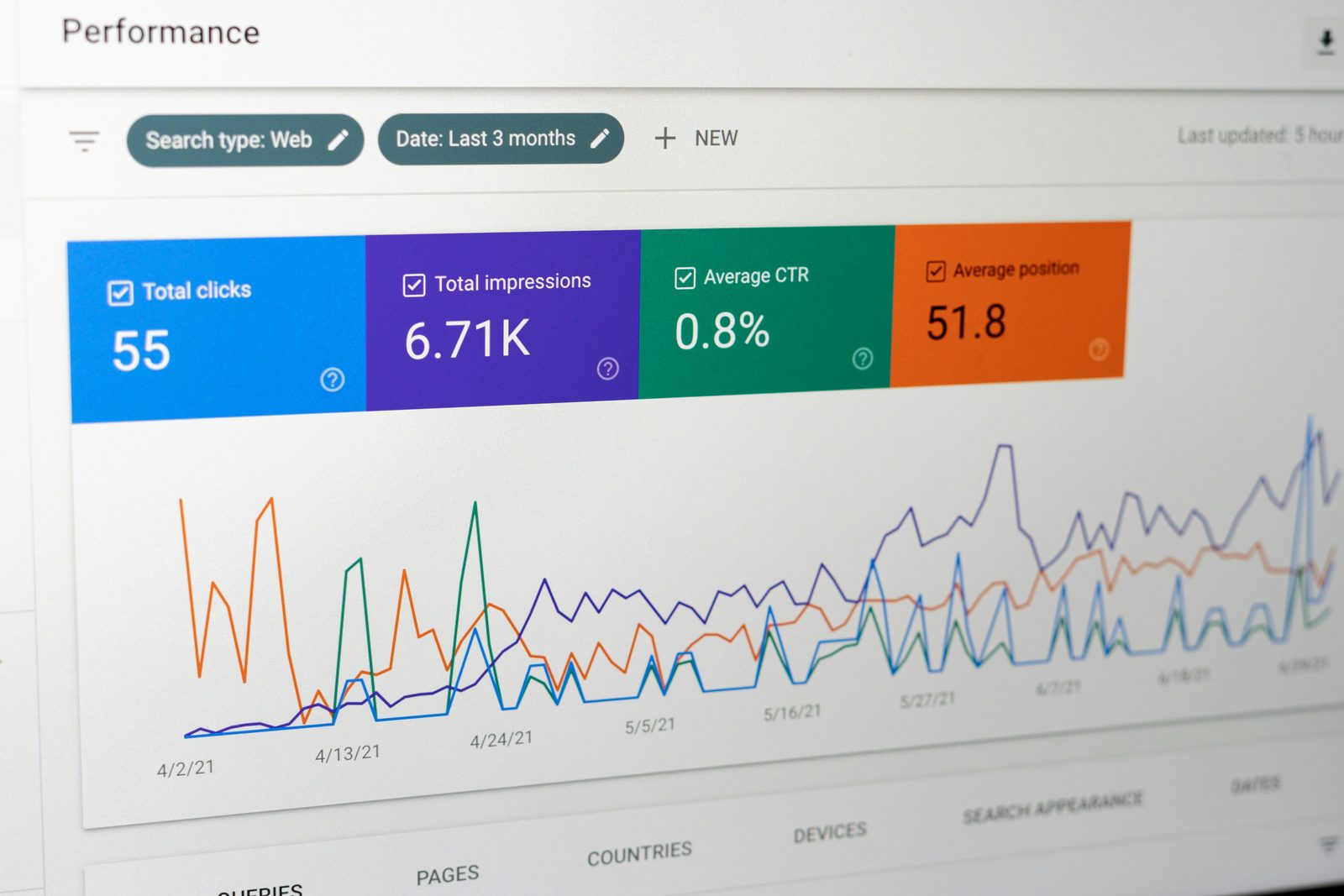
Verify ownership, submit your sitemap, and review Coverage and Performance reports weekly for the first three months. Most early wins come from fixing crawl issues, not creating new content.
Common mistakes to avoid
- Indexing duplicate URLs by leaving on default WordPress query strings.
- Blocking your entire staging site with
noindexand forgetting to remove it at launch. - Auto-generating product or location pages with near-identical content.
- Stuffing the homepage with every keyword instead of focusing on one clear purpose.
What to do next
Print the checklist. Walk it on your site. If you would rather we did the walking, our SEO service covers everything above and our website development team builds these defaults in from day one.